

Security & Surveillance
See clearly. Support informed response.
IP CCTV, PTZ cameras, NVRs and video management software, designed, installed and integrated with your access, gate and alarm systems.
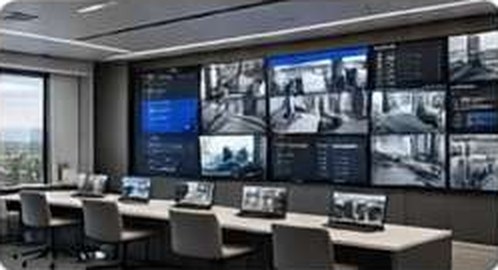
Equipment we deploy
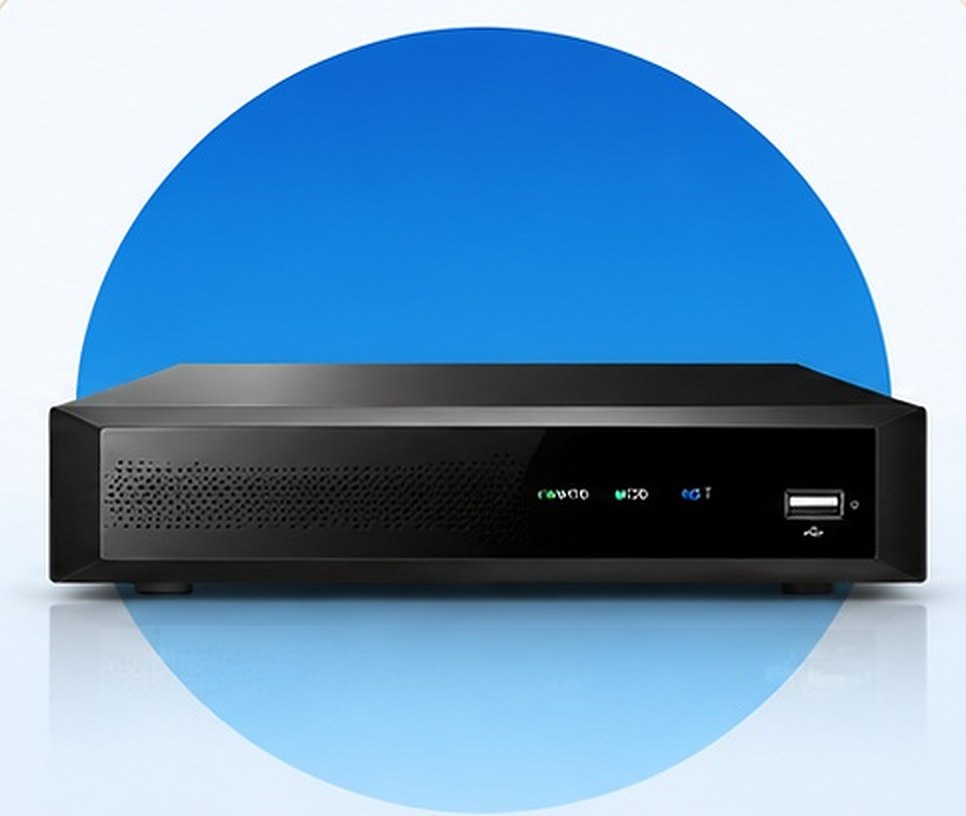
IP CCTV, PTZ, NVR, VMS and video analytics.
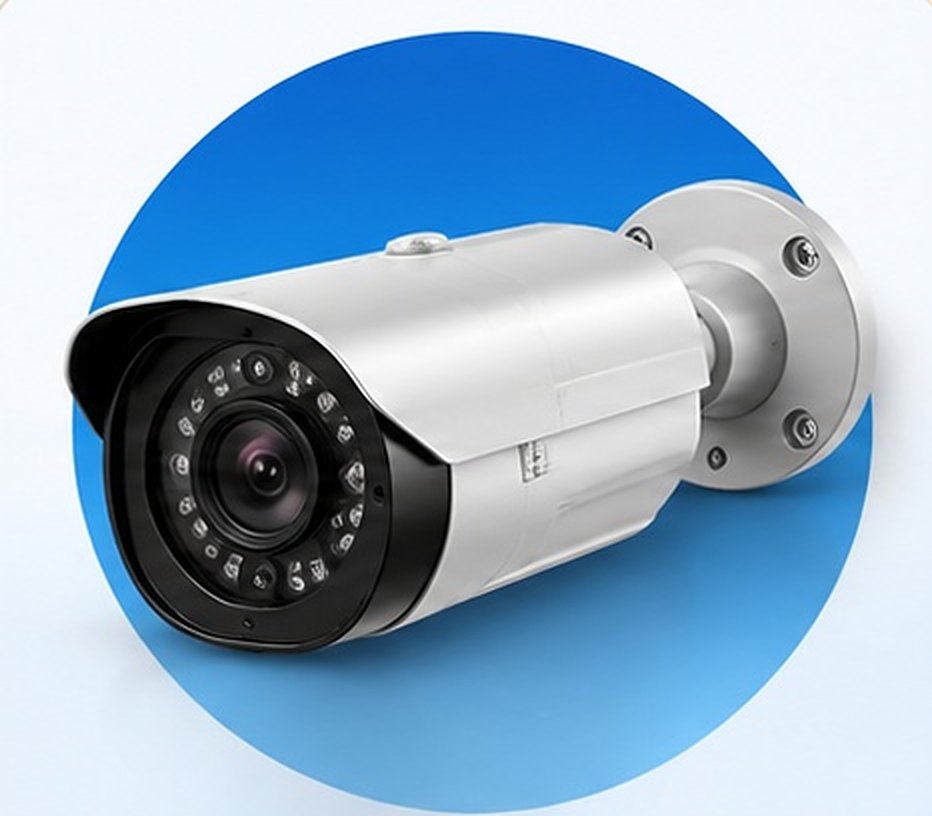
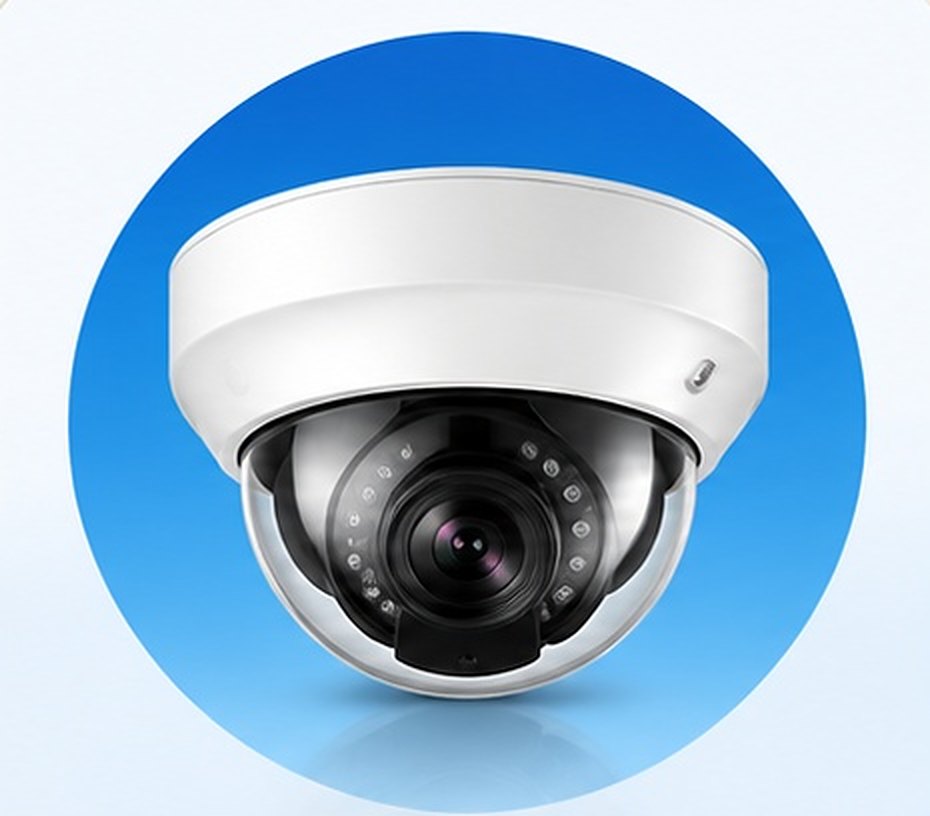
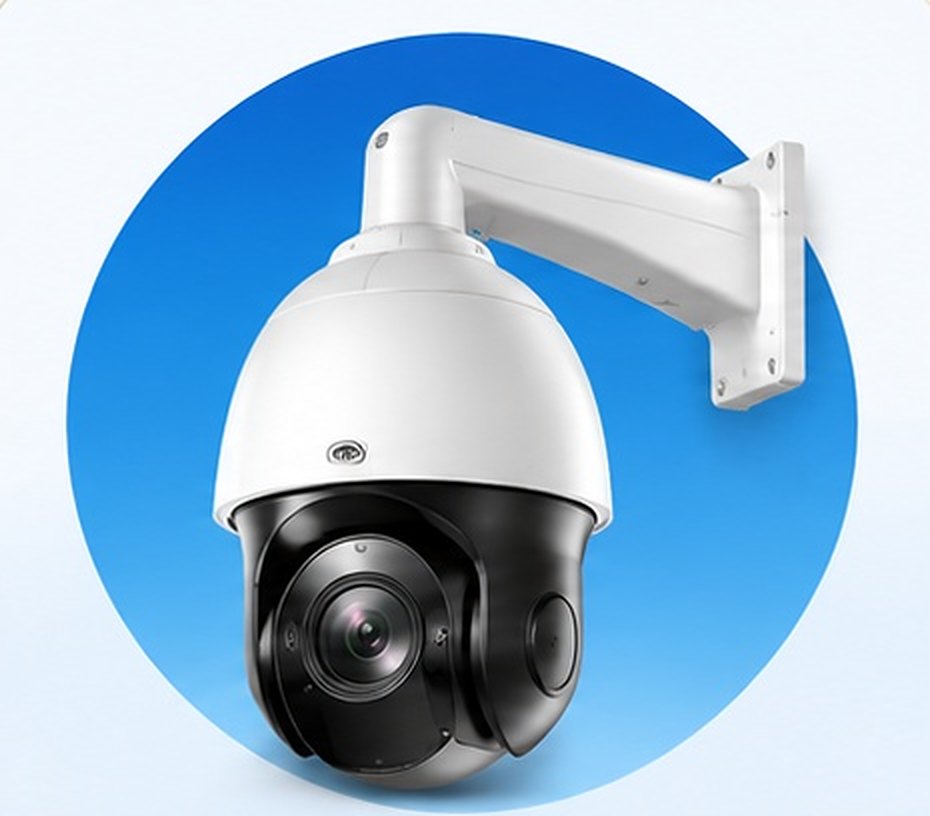
Key offerings
- IP CCTV cameras, PTZ cameras, NVRs and VMS
- Video analytics and surveillance monitoring
Customer benefits
- Visibility of premises, day and night, depending on camera selection
- Central viewing and recorded playback
- Analytics features depend on the camera and software selected
What the cameras can tell you
Functions that can run on the surveillance system, chosen to suit the site.
AI intrusion & object detection
Classifies people, vehicles and bicycles entering a set zone and raises an alarm, ignoring trees and animals to cut false alarms.
Face recognition
Matches faces against a database, searches recordings by face and attributes, and detects photos held up to spoof the camera.
Deployed with notice to staff and visitors, in line with the Digital Personal Data Protection Act, 2023.
Number plate recognition (ANPR)
Reads vehicle plates, traces a vehicle through recordings, and works with barriers at checkpoints.
People & vehicle counting
Counts people, cars and bicycles crossing a line or entering a zone, with staff excluded from reports.
Queue monitoring
Counts people in queues and alerts when a queue gets too long; can link to open billing counters.
Video fire & smoke detection
Spots smoke and flame in camera images, useful in open areas where ceiling detectors react slowly.
Camera tamper alerts
Alerts when a camera is defocused, moved, covered or loses signal.
Pose & fall detection
Tracks body posture to flag a fall, raised arms or unusual behaviour, e.g. at ATMs.
Workplace presence
Tracks time at the workstation and alerts on late arrival, early exit or long absence, with daily reports.
Deployed with notice to staff and visitors, in line with the Digital Personal Data Protection Act, 2023.
Fast archive search
Searches large video archives by area of the image, without heavy system load.
Analytics features depend on the camera, recorder or analytics server, and licences selected. Some functions need a dedicated GPU analytics server, so we scope them during the site survey.
How the system works
5 steps, cameras to review.
- 1Cameras
- 2Network
- 3NVR / VMS
- 4Monitoring
- 5Review
- 1Cameras
- 2Network
- 3NVR / VMS
- 4Monitoring
- 5Review
Works together with
Smart Access, Biometrics & Attendance
Face, RFID, QR, video door phone, visitors
View solution 03Gate Automation & Entrance Control
Boom barriers, flap/swing barriers, turnstiles, gates
View solution 14Intrusion Alarm & Perimeter Detection
Detectors, door contacts, panels, panic buttons, sirens
View solutionIndustry solution bundles
What a client says
We partnered with Spycloud Technologies for an end-to-end overhaul of our office IT infrastructure, including a complete CCTV surveillance system, biometric access controls and LAN networking. They designed a scalable architecture tailored to our space, with transparent pricing and no hidden costs. The installation was smooth, on time and with minimal disruption, and their AMC support has been phenomenal.
Common questions
How many cameras does my site need?
It depends on the layout, the areas to cover and how much detail you need at each point. We decide the camera types and positions during the site survey and show them in the design before we quote.
How many days of recording can we keep?
That depends on the number of cameras, the recording quality and the storage in the recorder. Tell us how many days you need and we size the storage to match.
Can we watch the cameras from a phone or from another office?
Yes. Central viewing and recorded playback can be set up for the people you authorise, subject to your network and internet connection.
Something else? Ask our engineers
Enquire about Security & Surveillance
An engineer will call you within one working day, visit the site and come back with a design and a quotation.